
28.03.2024
Solutions
(121 results)
Articles
(21 results)

Content
(21 results)
Our leading-edge expertise, software, and electronics enable organisations to make scientific breakthroughs, deliver state-of-the-art cancer treatments, develop healthcare innovations and bring clean fusion energy to the world.
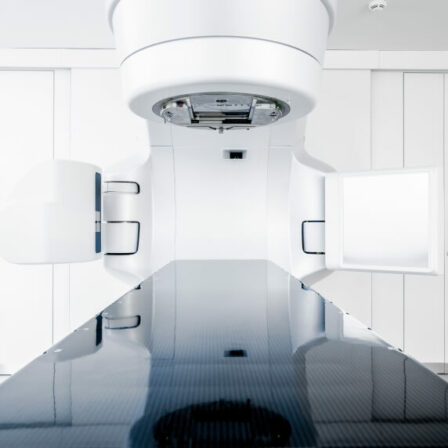
Bring your devices to market faster, with lower risks, and offer the best technology for cancer treatment with our all-in-one OncologyOne™ software suite
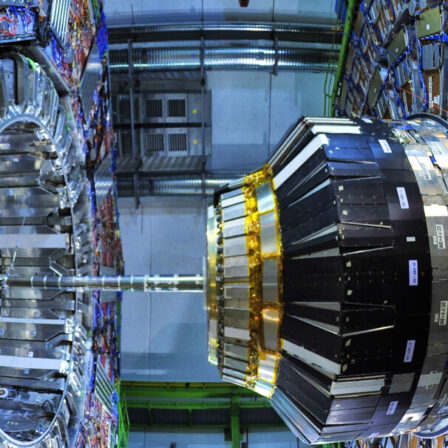
Mitigate development risk, shorten the time to delivery, and reduce the total cost of ownership with our accelerator control solutions
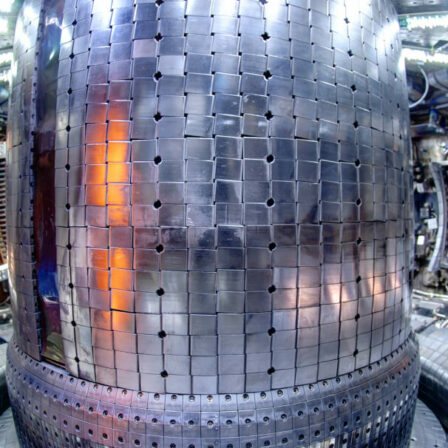
Offer clean energy sooner by using our control system. Rely on Cosylab's project management and system engineering to create a shorter, safer path to your next milestone

Get your medical devices to patients faster while keeping the highest quality and regulatory standards with our proven software solutions

Market your quantum computing, communication or sensing innovation on time and within budget by harnessing industry-standard controls expertise.

Preserve your leading position in the increasingly complex global market by utilising Cosylab's flexible, end-to-end engineering services for varied components of complex systems

Establish your software systems much faster with our bespoke space software solutions; shorten time-to-market while lowering business risk

Stay focused on scientific discovery with the help of reliable control systems for your observatories and telescopes
Do you have a challenge you‘d like to discuss?

across scientific, medical and industrial applications

for the world’s most advanced systems and devices
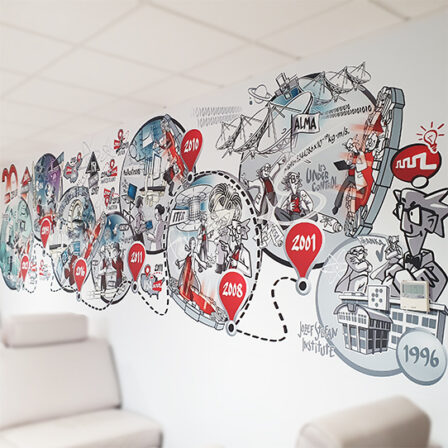
with the most complex software architecture and management of highly demanding projects
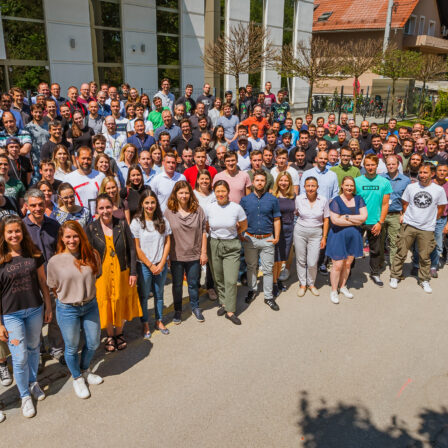
highly skilled developers and engineers

and pushing the boundaries of scientific discovery, clean energy and cancer treatment

and processes to deliver results on time and within budget

ISO certified and IEC compliant

with headquarters in Europe and offices worldwide

deeply invested in client’s success and able to adapt to change